This is an old revision of the document!
LXQt on FreeBSD
LXQt is the Qt port of LXDE, the Lightweight Desktop Environment. It is the product of the merge between the LXDE-Qt and the Razor-qt projects.
Work in progress, it needs some components of Plasma 5 (the new major KDE’s workspace). Bug for importing to ports tree {{lxqt/lxqt-0.12.0.png?150 LXQt 0.12.0}}
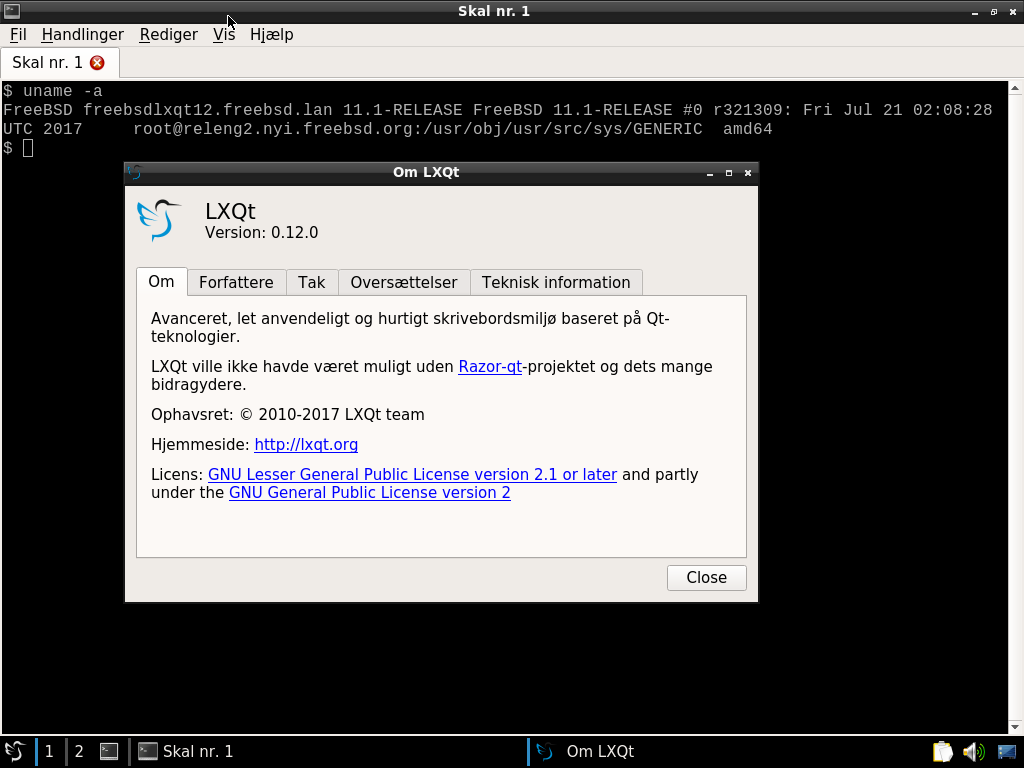
Install the LXQt (0.12.0) desktop
You can either choose unoffical binary repository or building from source with the ports system
Pre-compiled packages
I created an unofficial repository for 10-amd64 10-i368 11-i386 and 11-amd64 for lxqt-0.12.0.
1. Download the public key, and copy into /usr/local/etc/ssl/ (for example):
# fetch http://lxqt-freebsd.schmitz.computer/poudriere.cert
# mv -i poudriere.cert /usr/local/etc/ssl/
2. Create the following file, /usr/local/etc/pkg/repos/lxqt.conf:
lxqt: {
        url: "pkg+http://lxqt-freebsd.schmitz.computer/packages/${ABI}",
        mirror_type: "srv",
        enabled: yes,
        signature_type: "pubkey",
        pubkey: "/usr/local/etc/ssl/poudriere.cert",
        priority: 100
}
% pkg install lxqt
From source
The best way is to fetch lxqtmerge script.
% pkg install ca_root_nss
% pkg install git
% fetch https://raw.githubusercontent.com/jsm222/lxqt-freebsd/0.12/lxqtmerge.sh
Below different options:
usage: lxqtmerge.sh options

options:
  -h    display this help
  -c    clone remote repository
  -m    merge into the ports tree
  -u    update local repository
  -r    revert changes
# lxqtmerge.sh -c
# lxqtmerge.sh -m
Now you are able to compile the meta-ports x11-wm/lxqt and x11/lxqt-l10n (translations of each LXQt components).
List of ports
- audio/pavucontrol-qt
- audio/pavucontrolqt-l10n
- deskutils/lxqt-notificationd
- deskutils/lxqt-notificationd-l10n
- deskutils/qlipper
- devel/liblxqt
- devel/liblxqt-l10n
- devel/libqtxdg
- devel/lxqt-build-tools
- editors/featherpad
- graphics/lximage-qt
- graphics/lximageqt-l10n
- misc/lxqt-common
- security/lxqt-openssh-askpass
- security/lxqt-openssh-l10n
- security/lxqt-sudo
- security/lxqt-sudo-l10n
- sysutils/libsysstat
- sysutils/lxqt-admin
- sysutils/lxqt-admin-l10n
- sysutils/lxqt-config
- sysutils/lxqt-config-l10n
- sysutils/lxqt-policykit
- sysutils/lxqt-policykit-l10n
- sysutils/lxqt-qtplugin
- x11-fm/pcmanfm-qt
- x11-fm/pcmanfmqt-l10n
- x11-themes/lxqt-themes
- x11-toolkits/qtermwidget
- x11-toolkits/qtermwidget-l10n
- x11-wm/lxqt
- x11-wm/lxqt-panel
- x11-wm/lxqt-panel-l10n
- x11-wm/lxqt-session
- x11-wm/lxqt-session-l10n
- x11-wm/obconf-qt
- x11-wm/obconfqt-l10n
- x11/compton-conf
- x11/libfm-qt
- x11/libfmqt-l10n
- x11/lxqt-about
- x11/lxqt-about-l10n
- x11/lxqt-compton-l10n
- x11/lxqt-globalkeys
- x11/lxqt-globalkeys-l10n
- x11/lxqt-l10n
- x11/lxqt-runner
- x11/lxqt-runner-l10n
- x11/plasma5-libkscreen
- x11/qterminal
- x11/qterminal-l10n
Known issues (and fixes)
It's advised to use UTF-8 as character encoding, especially for Western Europeans users (some translation are not well displayed in settings widgets).
Tips
PCManFM-qt is able to use UDisks2 service (for removable storages), install sysutils/bsdisks.
Starting the desktop
Using .xinitrc
% echo 'ck-launch-session /usr/local/bin/startlxqt' > ~/.xinitrc
- Jesper Schmitz Mouridsen (GitHub profile: jsm222)
- olivierd