This is an old revision of the document!
Framework Laptop
Framework is a new company selling a fully modular and serviceable laptop ecosystem, similar to what exists in the desktop computer space. These laptops have the CPU soldered to the motherboard, they're treated as a single unit. Beyond that, all other components are removable, customizable, and replaceable, including the option to purchase a “DIY” laptop that comes without RAM, storage, networking, or even external I/O ports. The External I/O ports are provided via removable modules.
Ensure you have the latest BIOS installed (version 3.07 at time of writing) and are using an up-to-date -current or stable/13 snapshot, or FreeBSD 13.1 when available.
This page is a work in progress.
Quirks
- The laptop may power cycle when using the touchpad if an older BIOS is installed. See https://bugs.freebsd.org/bugzilla/show_bug.cgi?id=259230 for details.
- The clickpad only registers the left button. This can be fixed with a libinput quirk, see https://bugs.freebsd.org/bugzilla/show_bug.cgi?id=259230
- At the time of writing (2021/10/24), the Intel AX210 will work with iwlwifi with some tweaking. bz@ notes in a response that this known issue has already been fixed (differently, correctly) and will work in a future iteration of the driver.
- The generic ng_ubt driver attaches to the AX210 BT module. ng_ubt_intel should be used instead to avoid module lockups that cause long stalls during boot. Can be worked around with
sysrc devmatch_blocklist+=ng_ubt. More work is needed to actually add support for BT. See https://bugs.freebsd.org/bugzilla/show_bug.cgi?id=260161
Hardware
| CPU | Intel® Core™ i5-1135G7 |
| Intel® Core™ i7-1165G7 | |
| Intel® Core™ i7-1185G7 | |
| Graphics | Integrated Intel® Iris® Xe Graphics (See CPU links for details) Requires DRM-KMOD 5.5 or higher. Fails to initialize with DRM-KMOD 5.4. |
| Memory | Dual-channel DDR4 SO-DIMM slots, support for up to 32GB per slot. XMP support currently not available |
| Screen | 13.5in, 2256x1504, 3:2 ratio, IPS, non-touch |
| Storage | PCIe Gen 4 M.2 NVMe slot, x4 lanes |
| Wireless | E-key Wi-Fi module slot, not BIOS locked. All tested modules so far work (if drivers are available) Pre-built laptop ships with Intel AX210 (vPro optional), which needs the currently out-of-tree iwlwifi driver. (See Quirks for issues) |
| Bluetooth | USB-attached AX210 Intel Bluetooth module (See Quirks for issues) |
| Audio | Realtek ALC295 HDA CODEC (Pre Oct-2021 - works) |
| Tempo 92HD95B (From Oct-2021 - DAC/speakers work, other paths untested) | |
| Webcam | Realtek Webcam |
| Touchpad | PixArt PIXA3854 (See Quirks for issues) |
| Battery | Framework LION 55Wh, ACPI accessible |
| BIOS | INSYDE |
Modular I/O
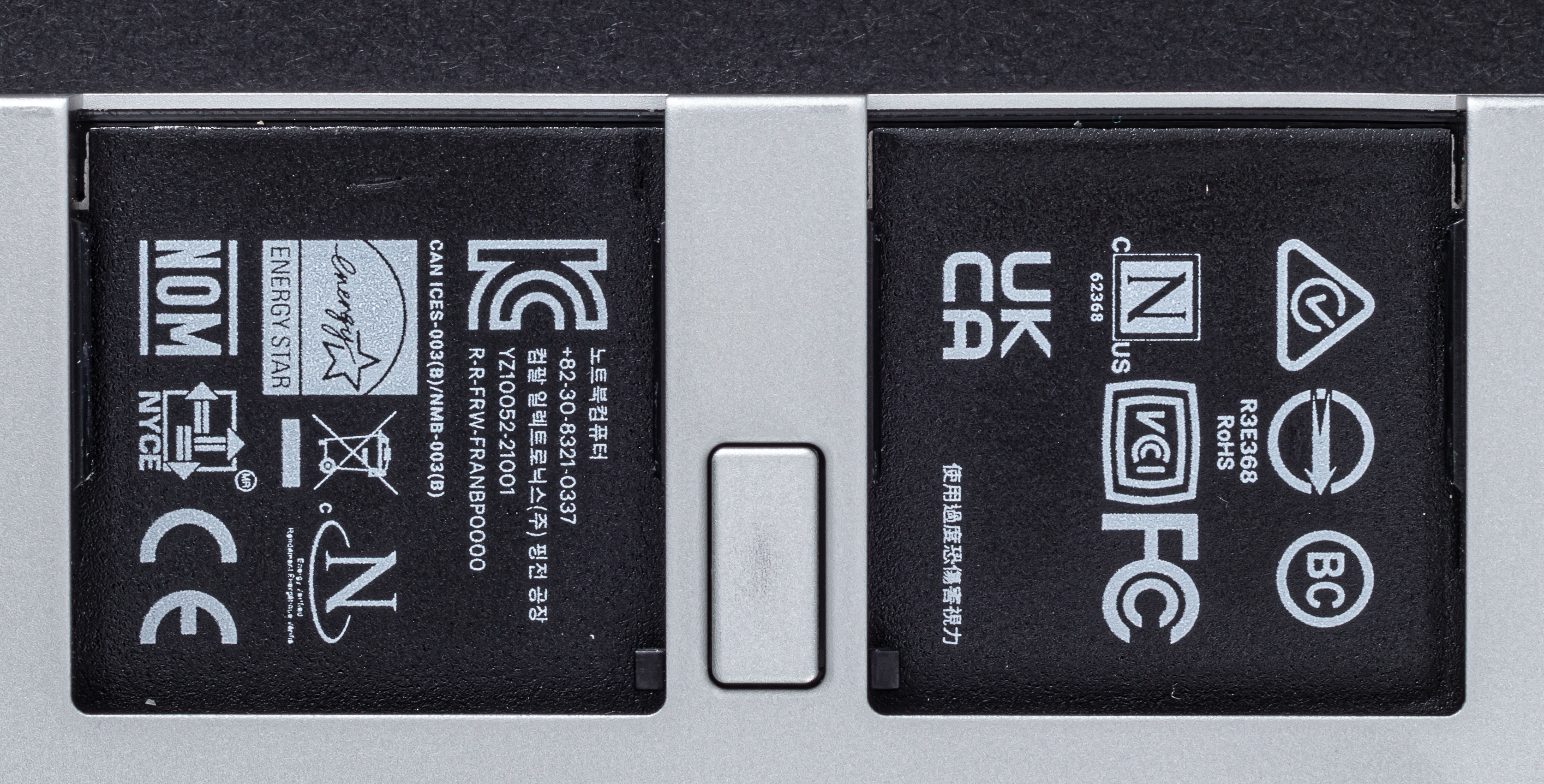
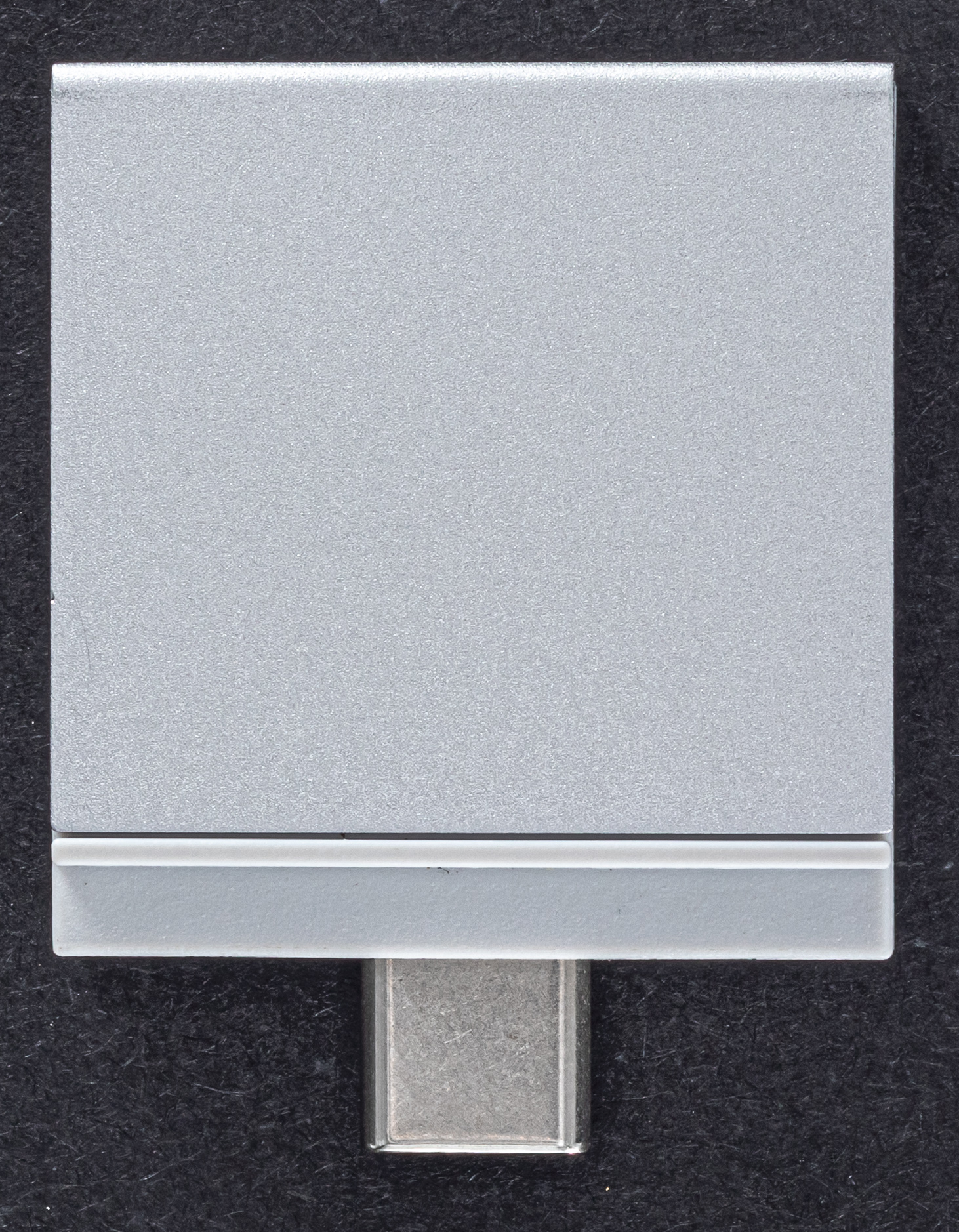
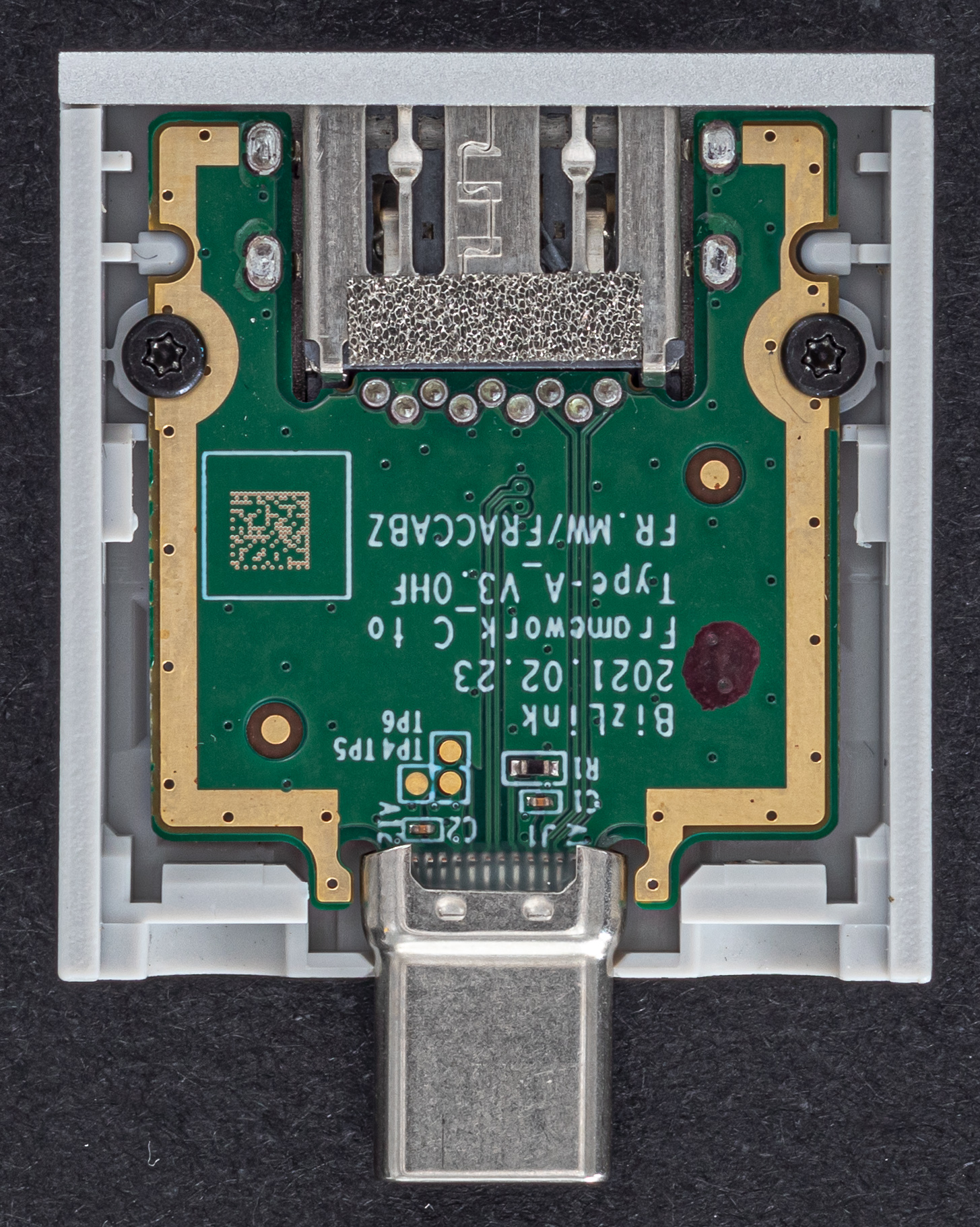
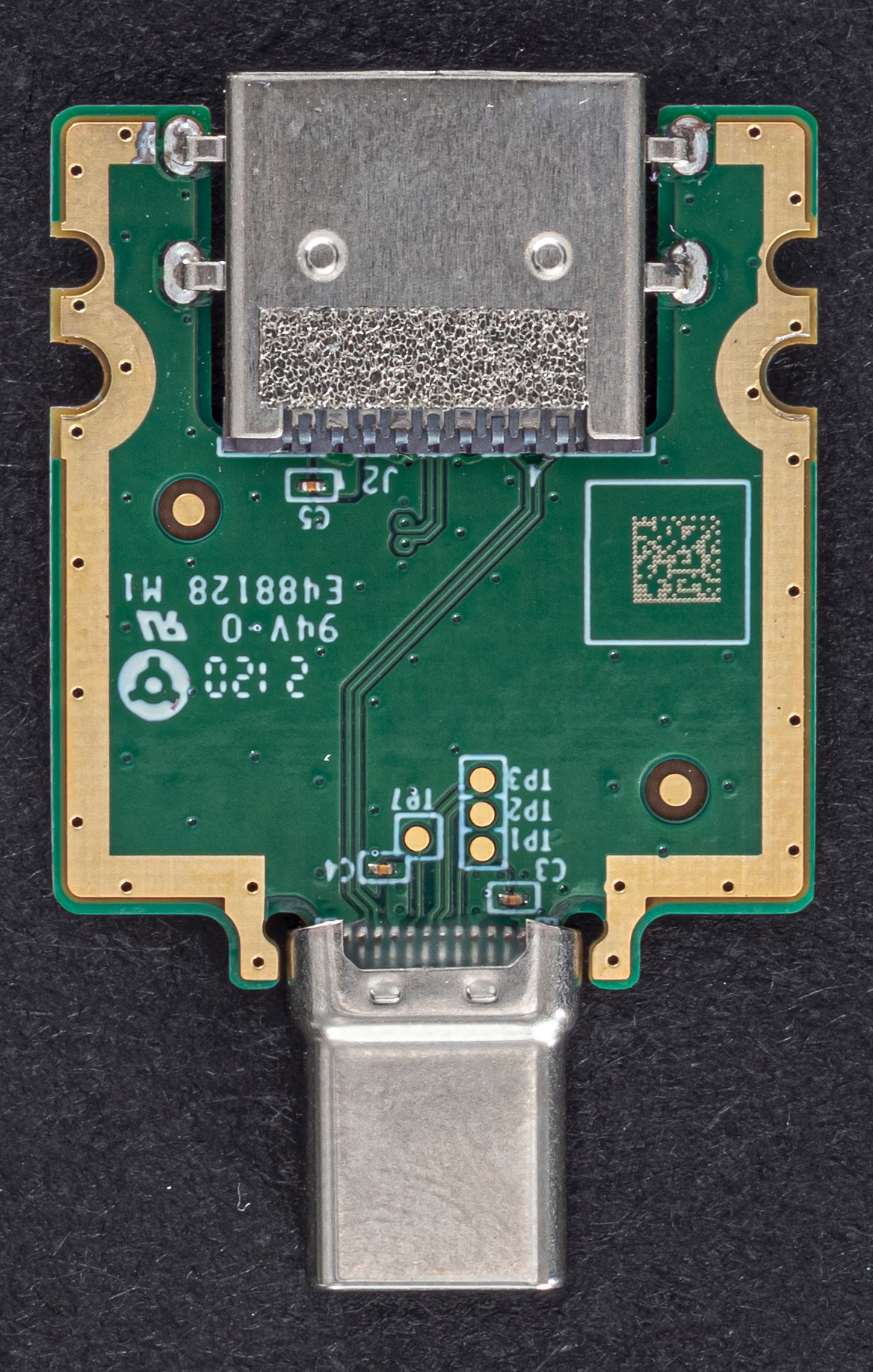
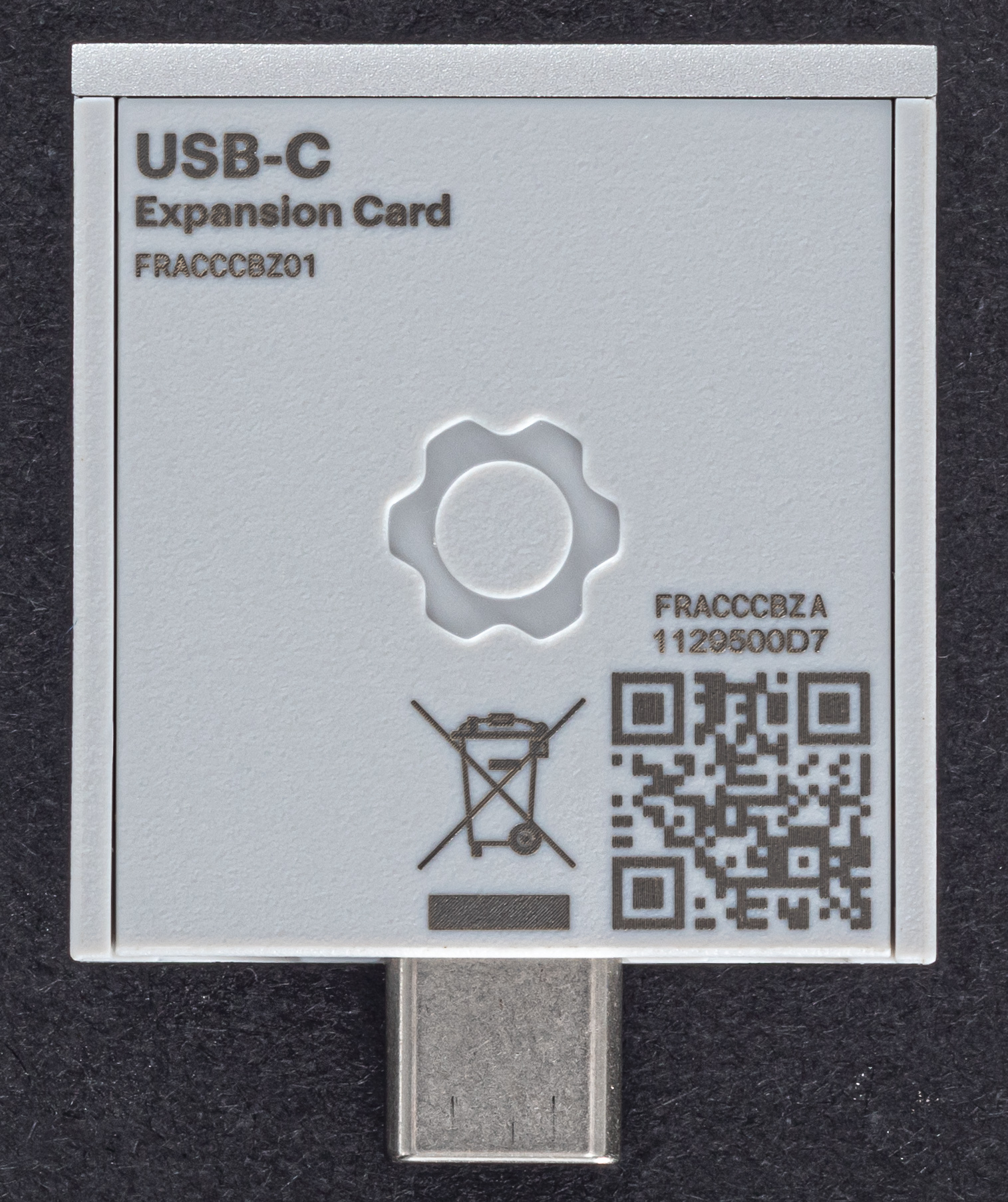
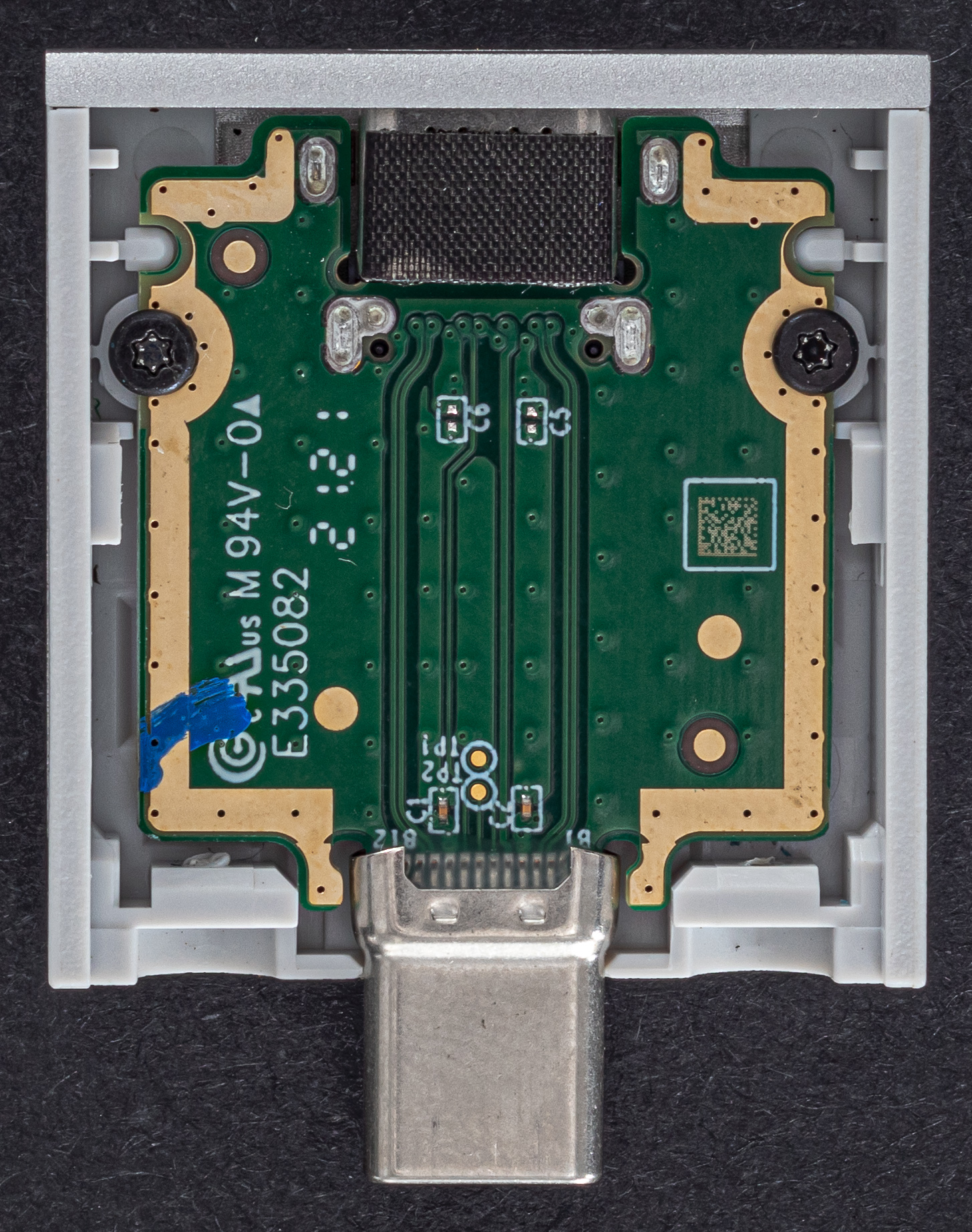
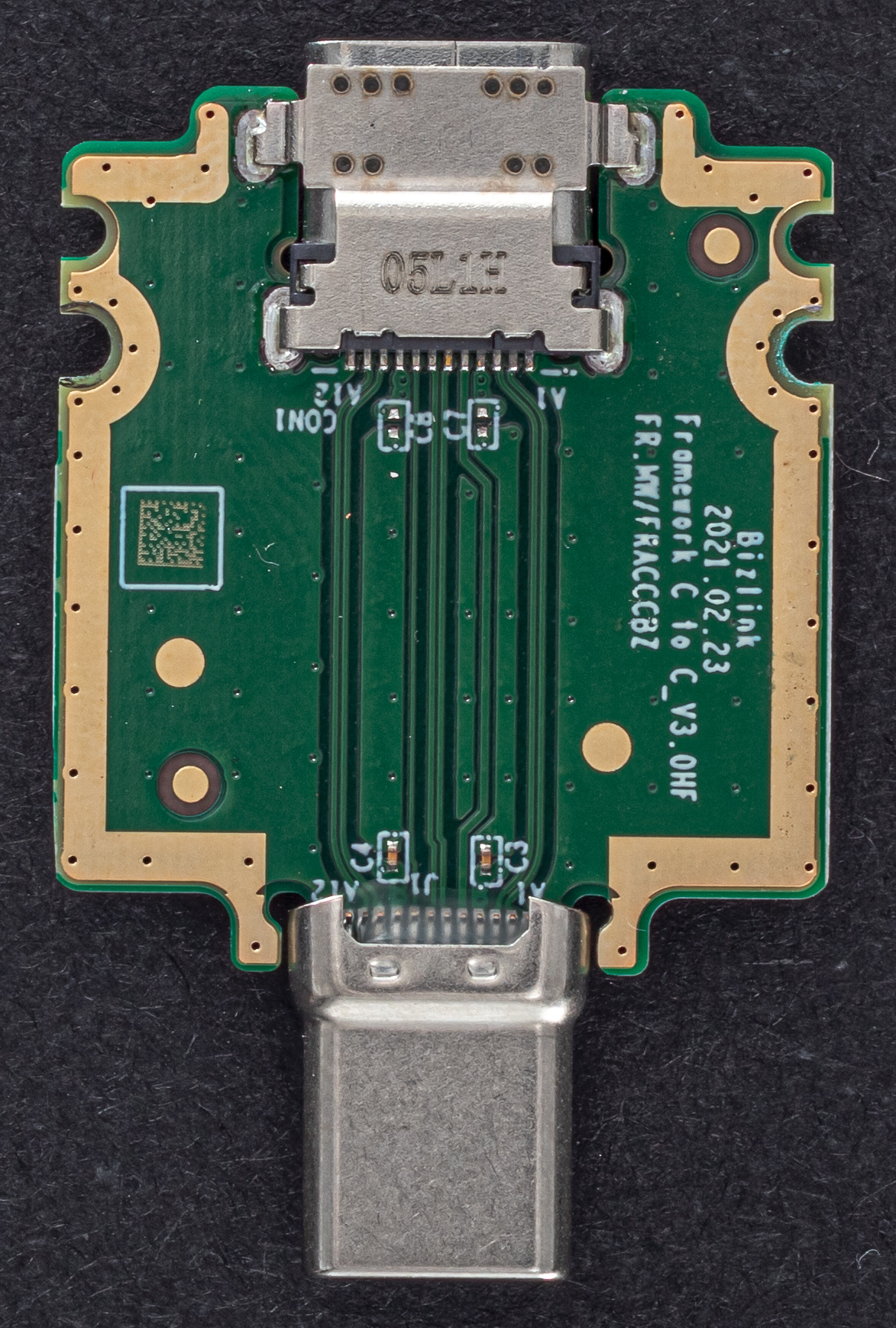
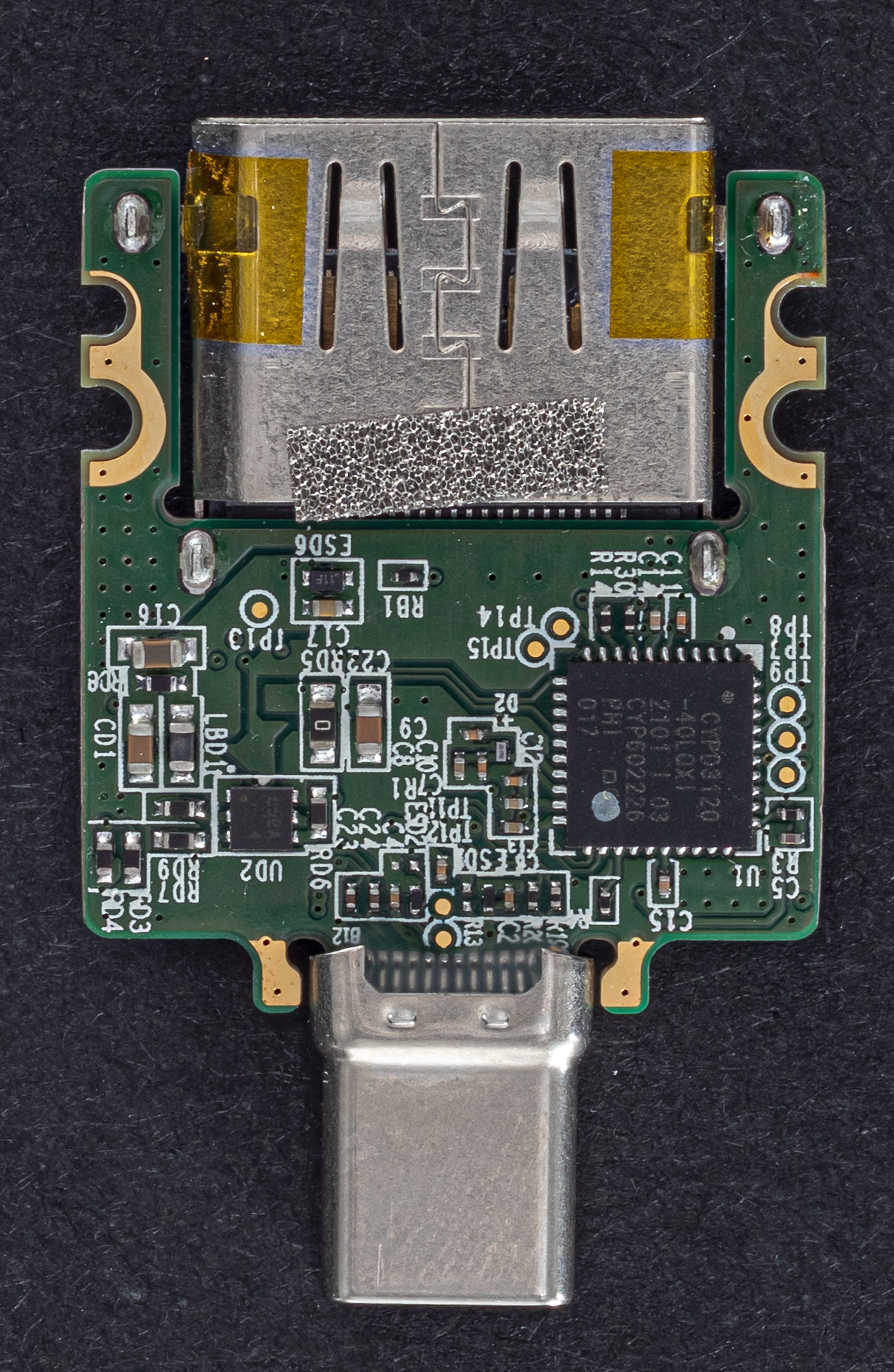
The Framework Laptop contains four recessed Thunderbolt 4 modular bays, each with a USB-C connector interface and support for charging the laptop. These modules allow for changing the external I/O on the laptop without the need for adapters, dongles, or protruding adapters. These modules sit flush with the side of the laptop. Each module has the same form factor in a plastic housing. Modules below are pictured without their housing to showcase their internal components.
{{laptops/framework_laptop/framework-module-0.thumb.jpg Framework Module Ports}} {{laptops/framework_laptop/framework-module-1.thumb.jpg Framework Module}}
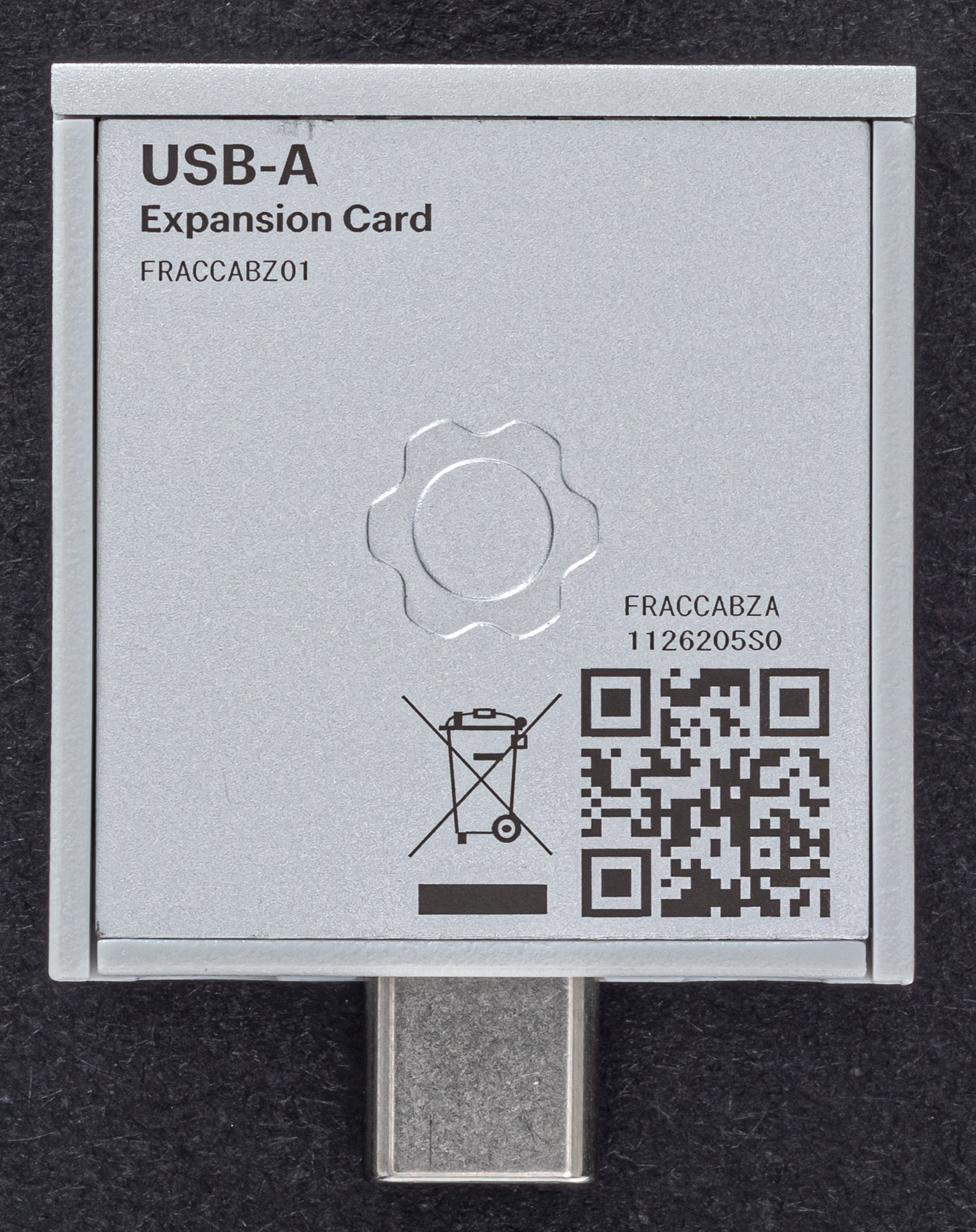
USB-A
Straight pass-through, nothing special.
{{laptops/framework_laptop/framework-a-0.thumb.jpg USB-A Module}} {{laptops/framework_laptop/framework-a-1.thumb.jpg USB-A Module}} {{laptops/framework_laptop/framework-a-2.thumb.jpg USB-A Module}}
USB-C
Straight pass-through, nothing special. This module is also used with the laptop's USB-C charging adapter.
{{laptops/framework_laptop/framework-c-0.thumb.jpg USB-C Module}} {{laptops/framework_laptop/framework-c-1.thumb.jpg USB-C Module}} {{laptops/framework_laptop/framework-c-2.thumb.jpg USB-C Module}}
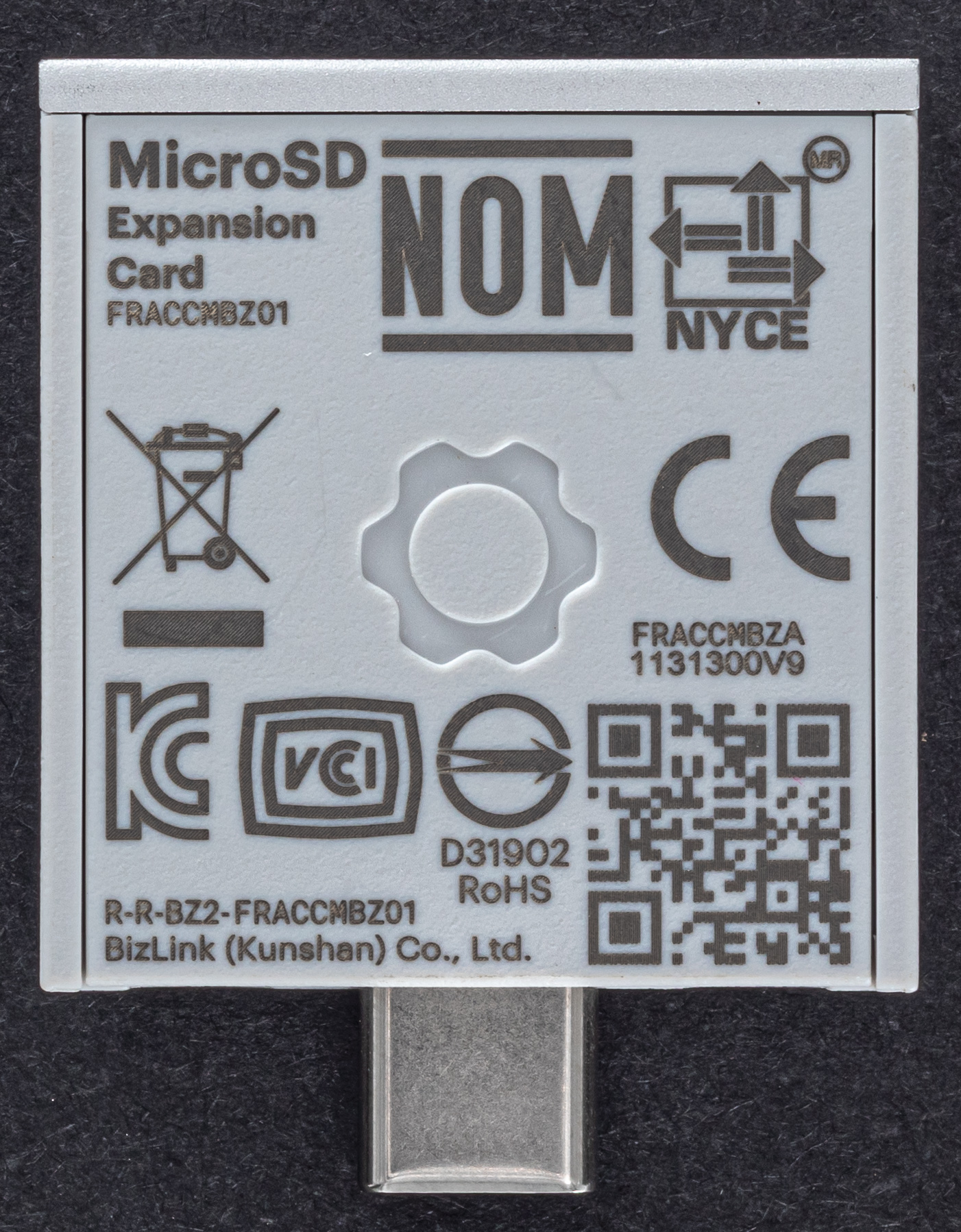
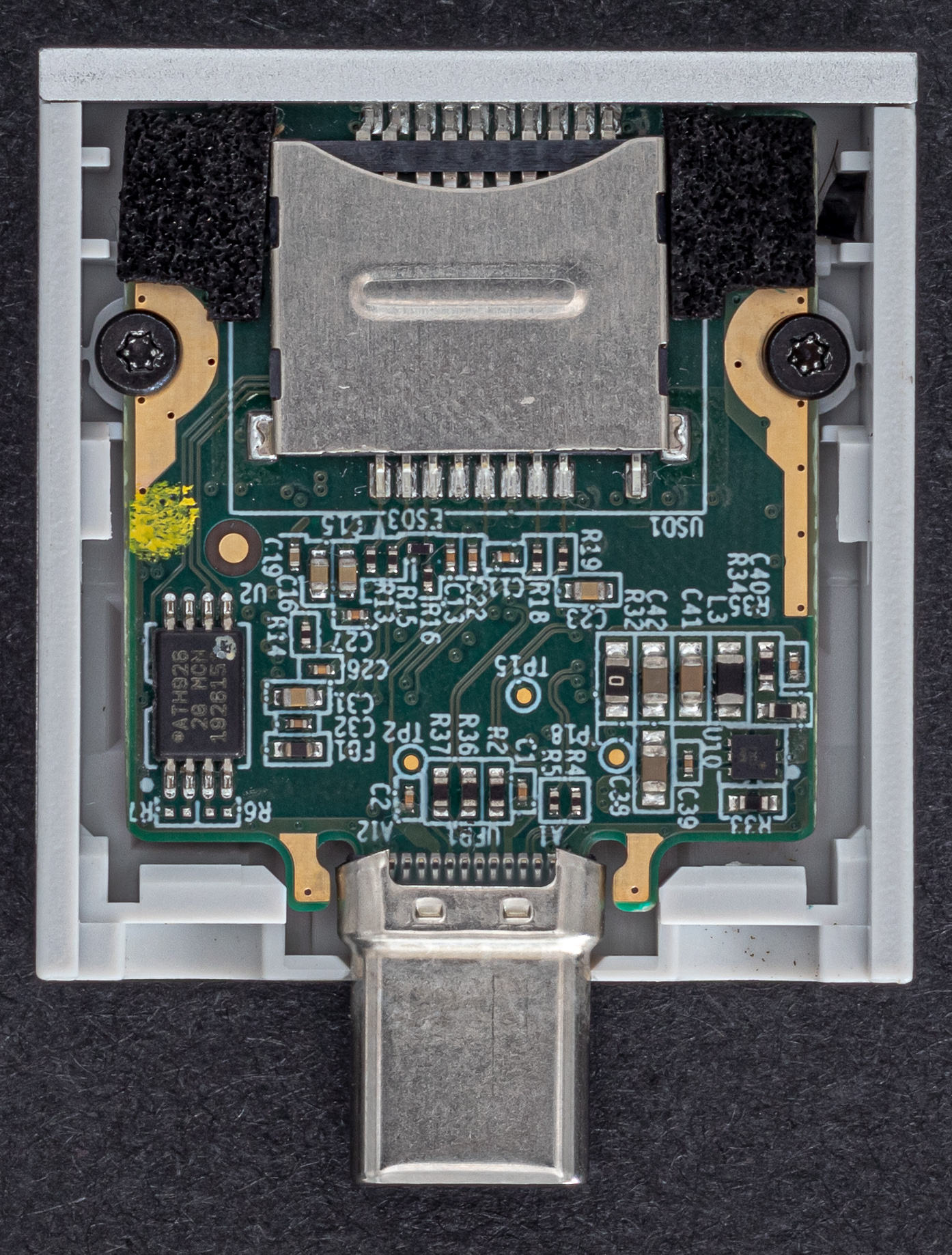
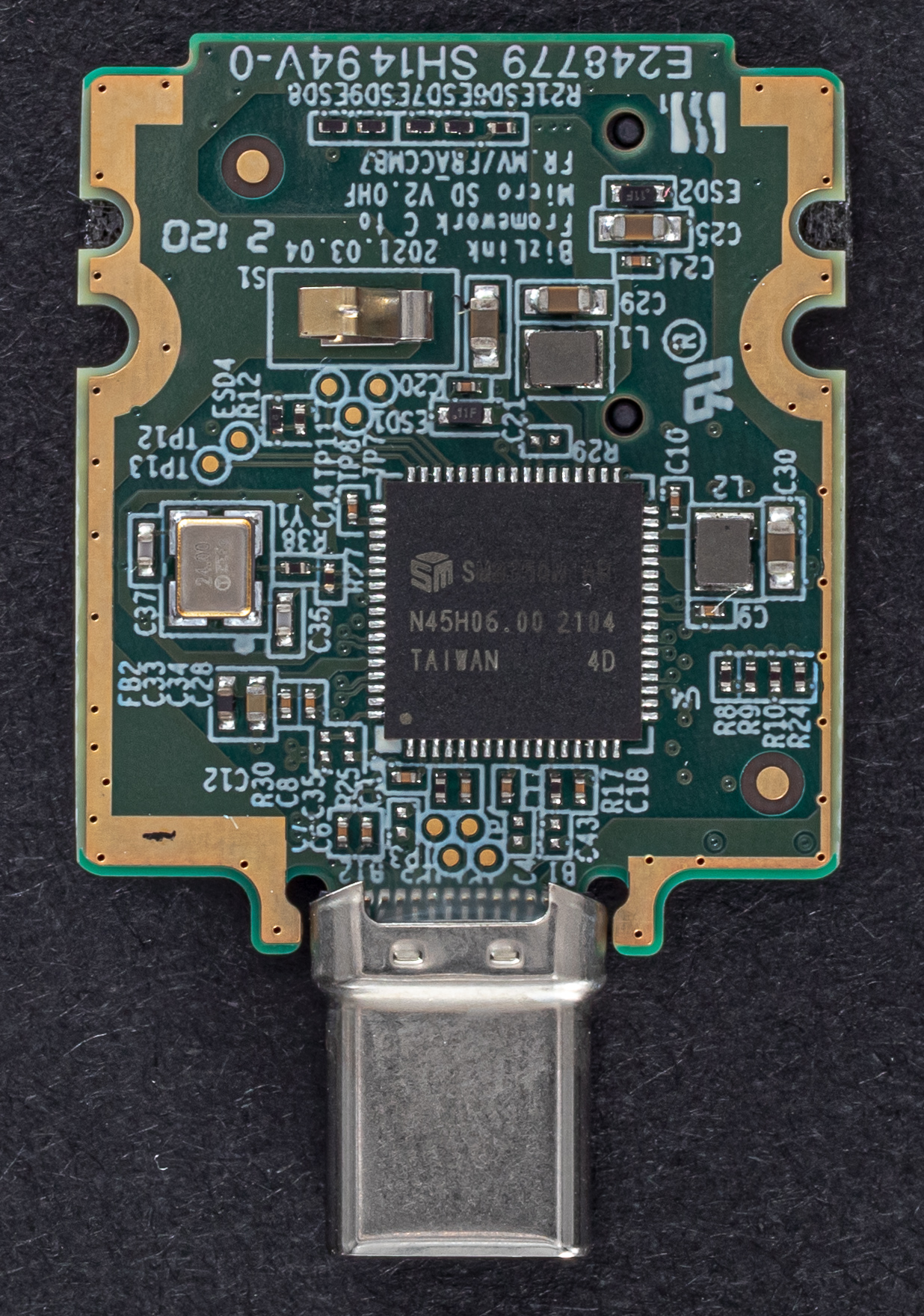
Micro-SD Card Reader
Module appears to have an intrusion detection sensor. Currently untested with FreeBSD.
{{laptops/framework_laptop/framework-sd-0.thumb.jpg Micro-SD Card Reader Module}} {{laptops/framework_laptop/framework-sd-1.thumb.jpg Micro-SD Card Reader Module}} {{laptops/framework_laptop/framework-sd-2.thumb.jpg Micro-SD Card Reader Module}}
HDMI
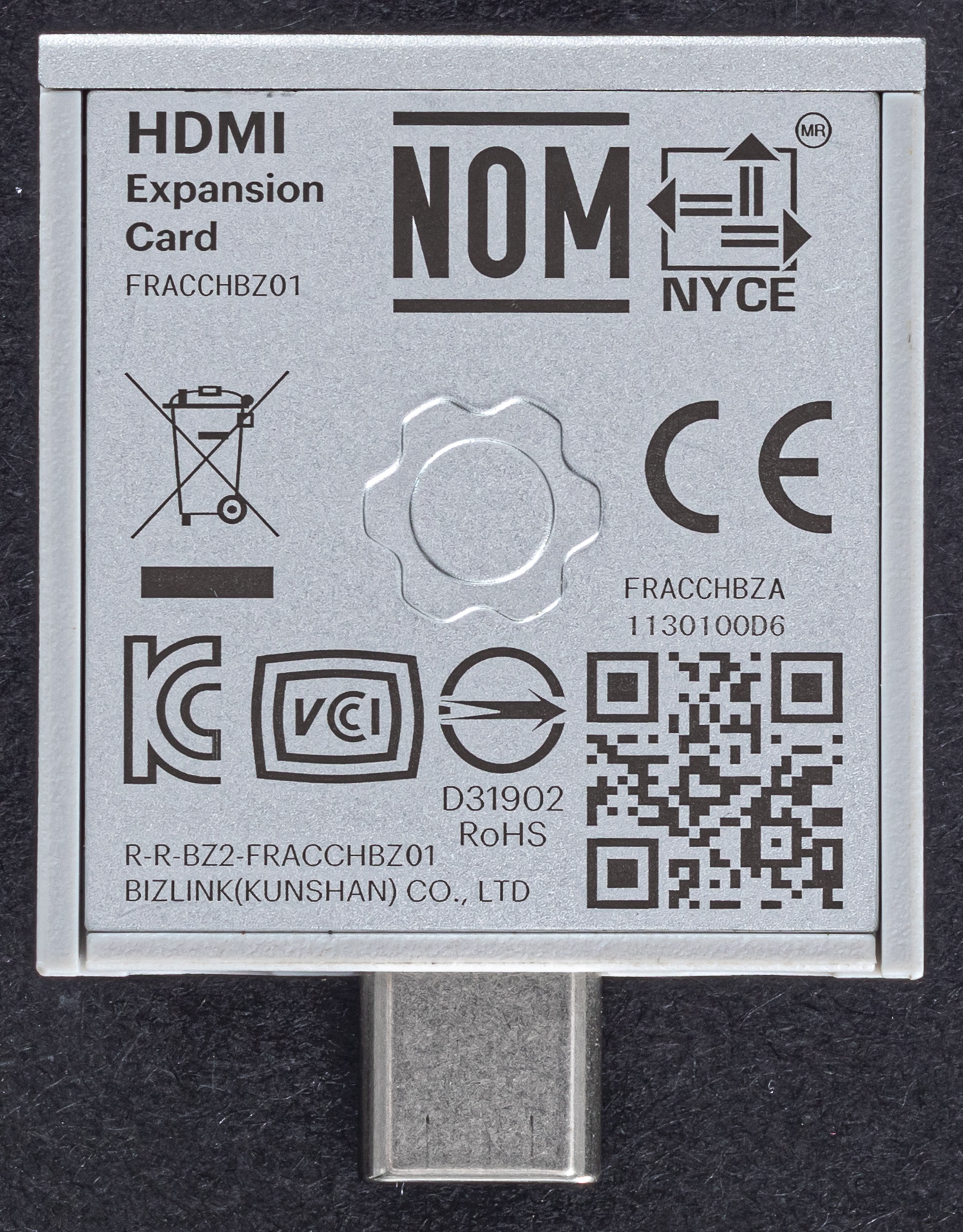
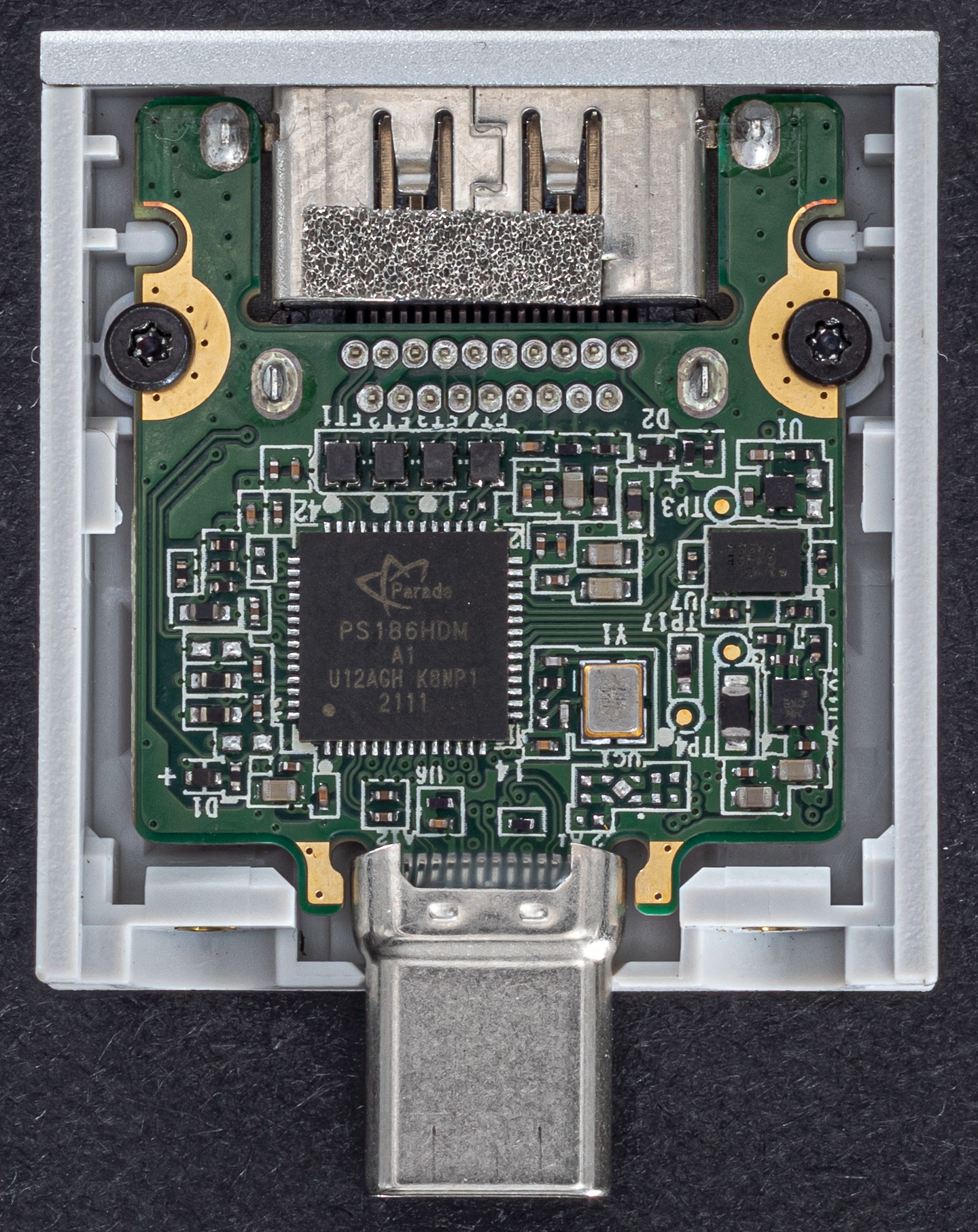
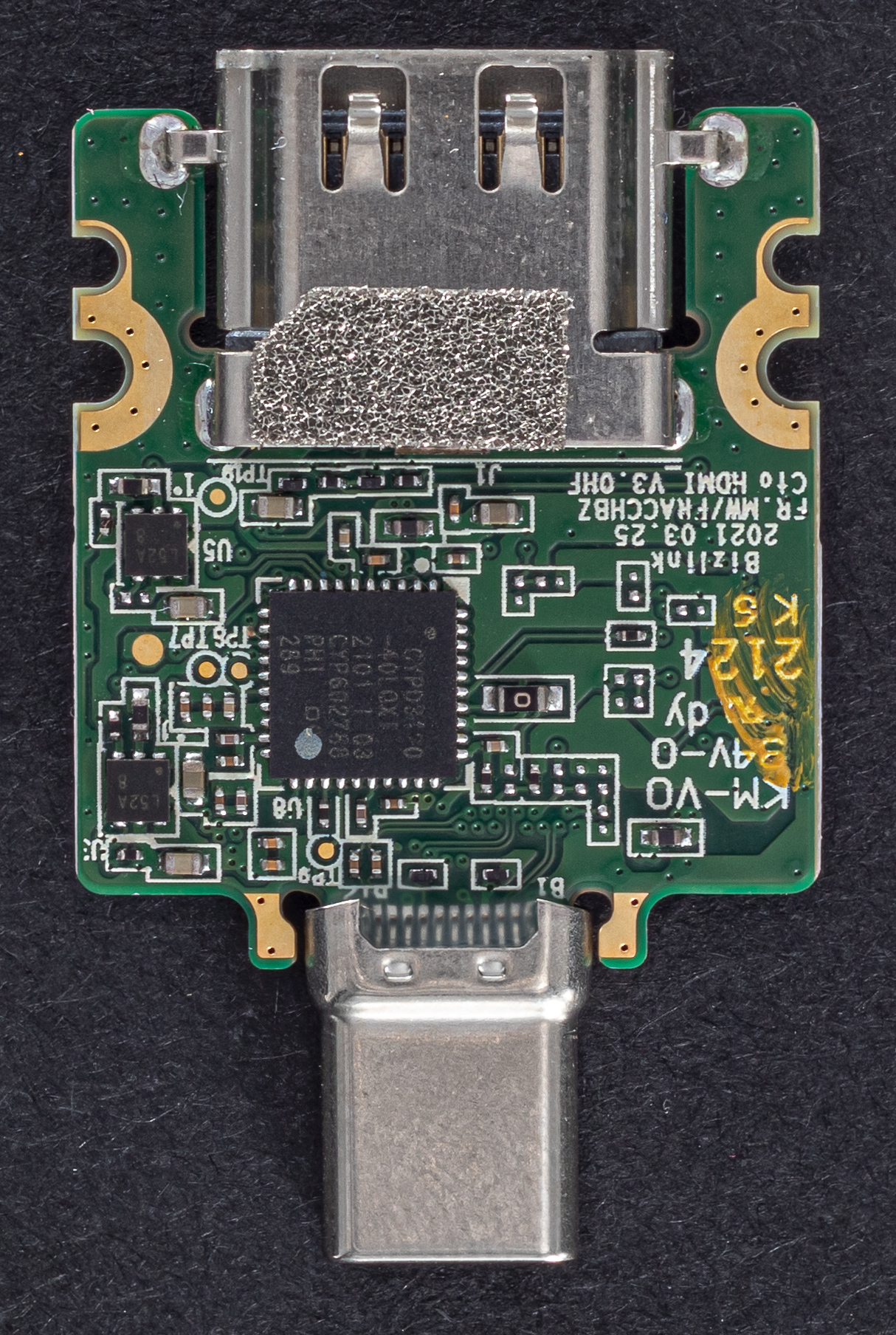
HDMI 2.0 spec. Hot-plugging displays working as expected. Resolutions up to 4k/60Hz and 1440p/120Hz are supported. On supported displays, EDID data for higher bandwidth resolutions such as 4k/120Hz are passed to FreeBSD, however these output no video.
{{laptops/framework_laptop/framework-hdmi-0.thumb.jpg HDMI Module}} {{laptops/framework_laptop/framework-hdmi-1.thumb.jpg HDMI Module}} {{laptops/framework_laptop/framework-hdmi-2.thumb.jpg HDMI Module}}
DisplayPort
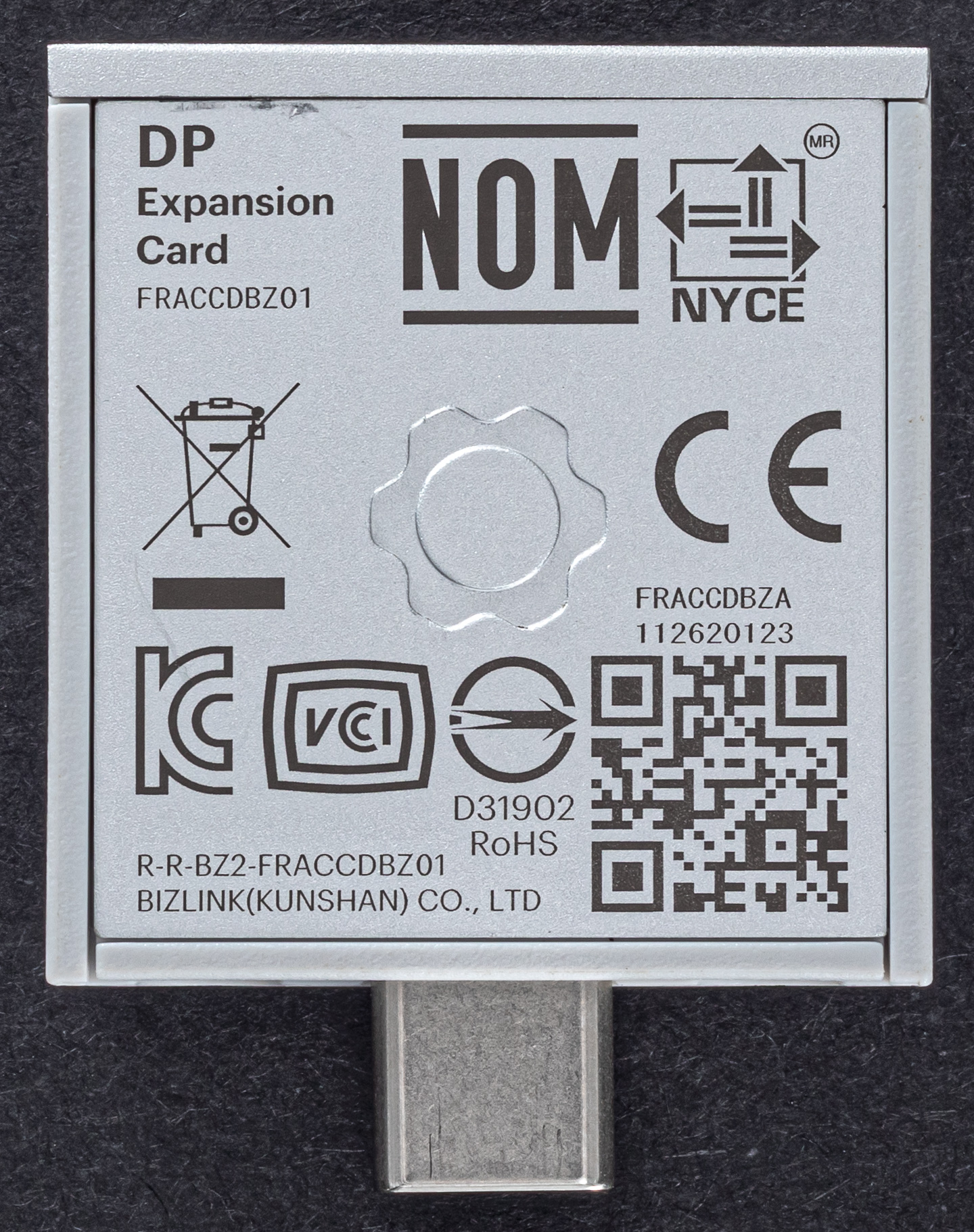
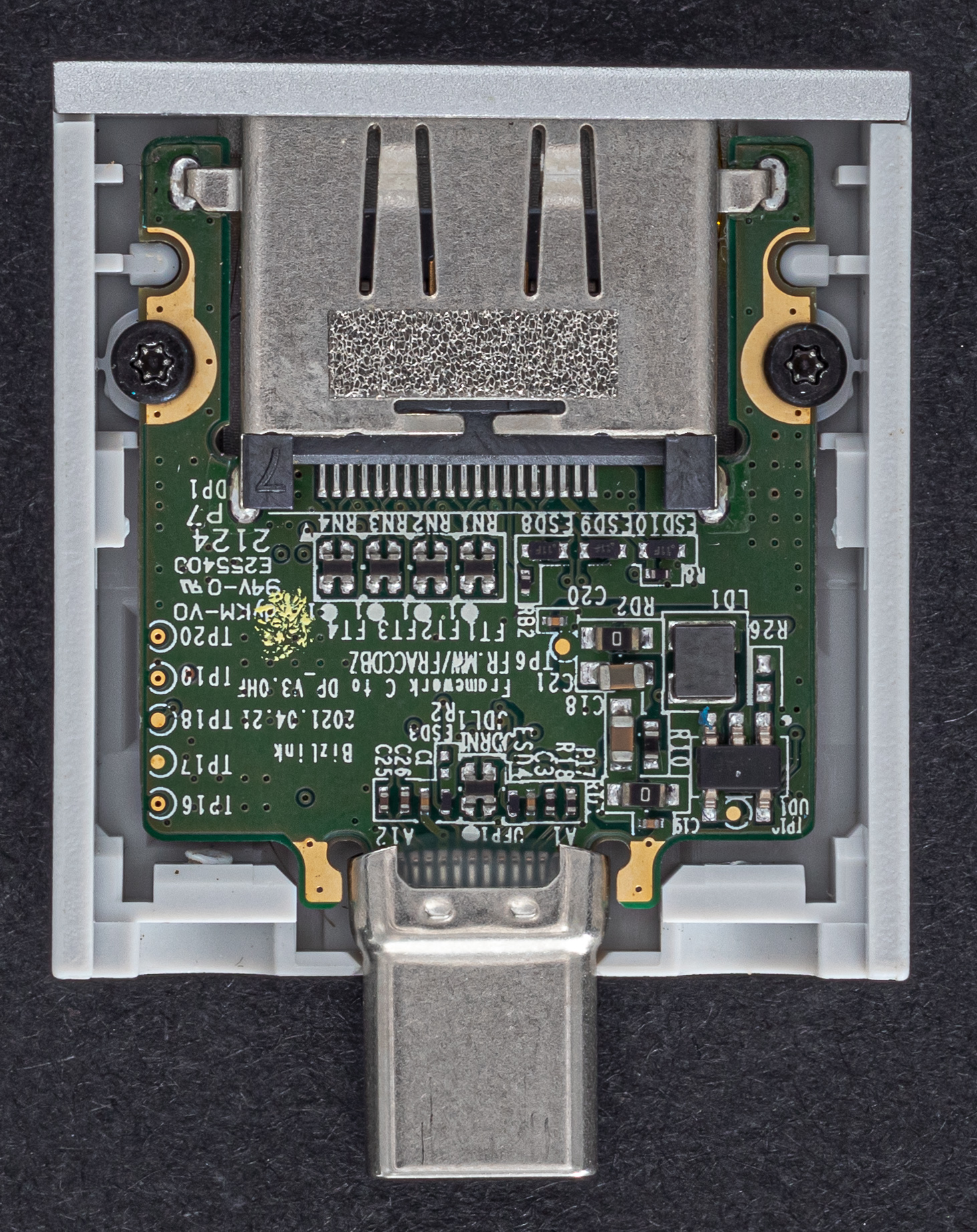
Currently untested with FreeBSD.
{{laptops/framework_laptop/framework-dp-0.thumb.jpg DisplayPort Module}} {{laptops/framework_laptop/framework-dp-1.thumb.jpg DisplayPort Module}} {{laptops/framework_laptop/framework-dp-2.thumb.jpg DisplayPort Module}}
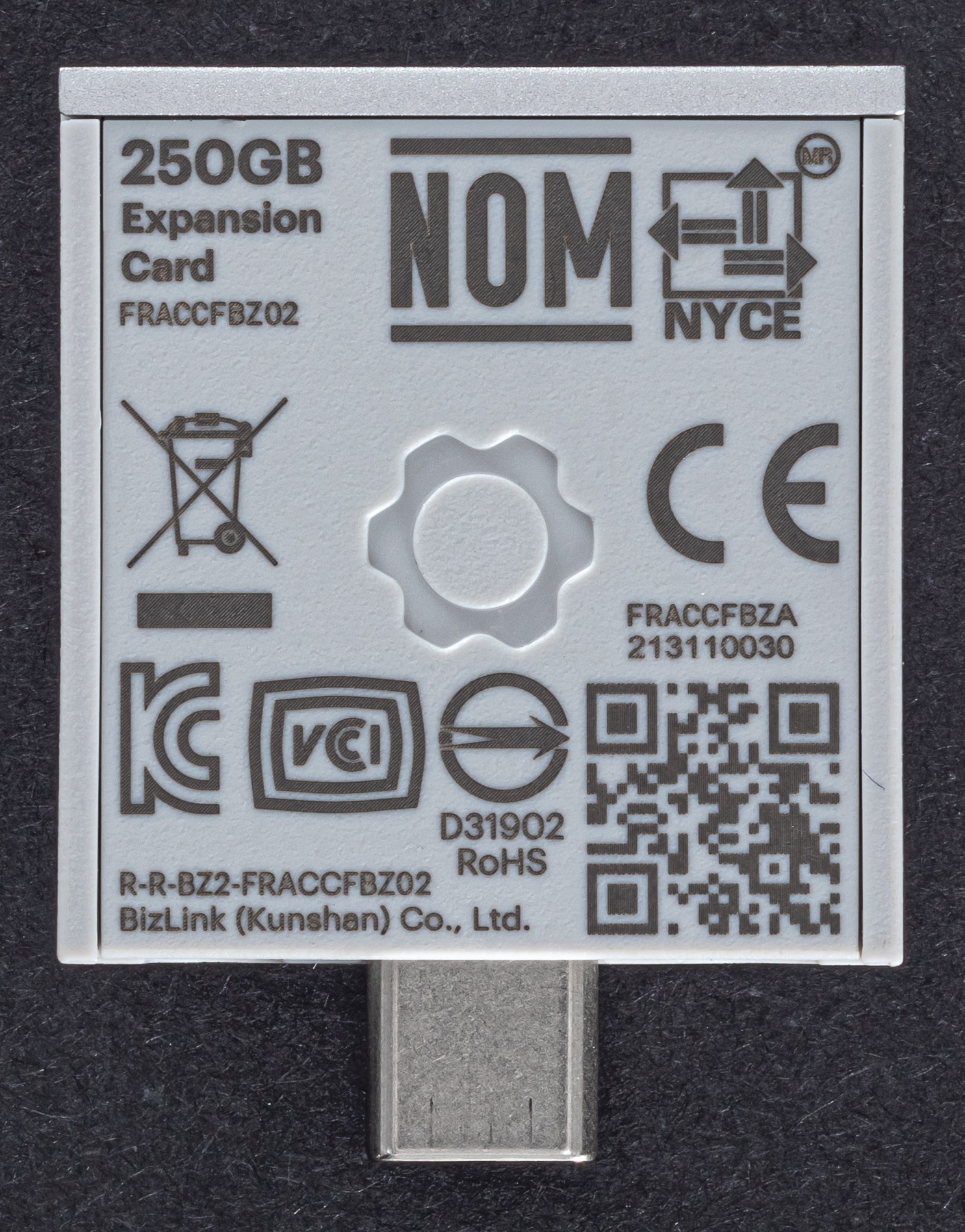
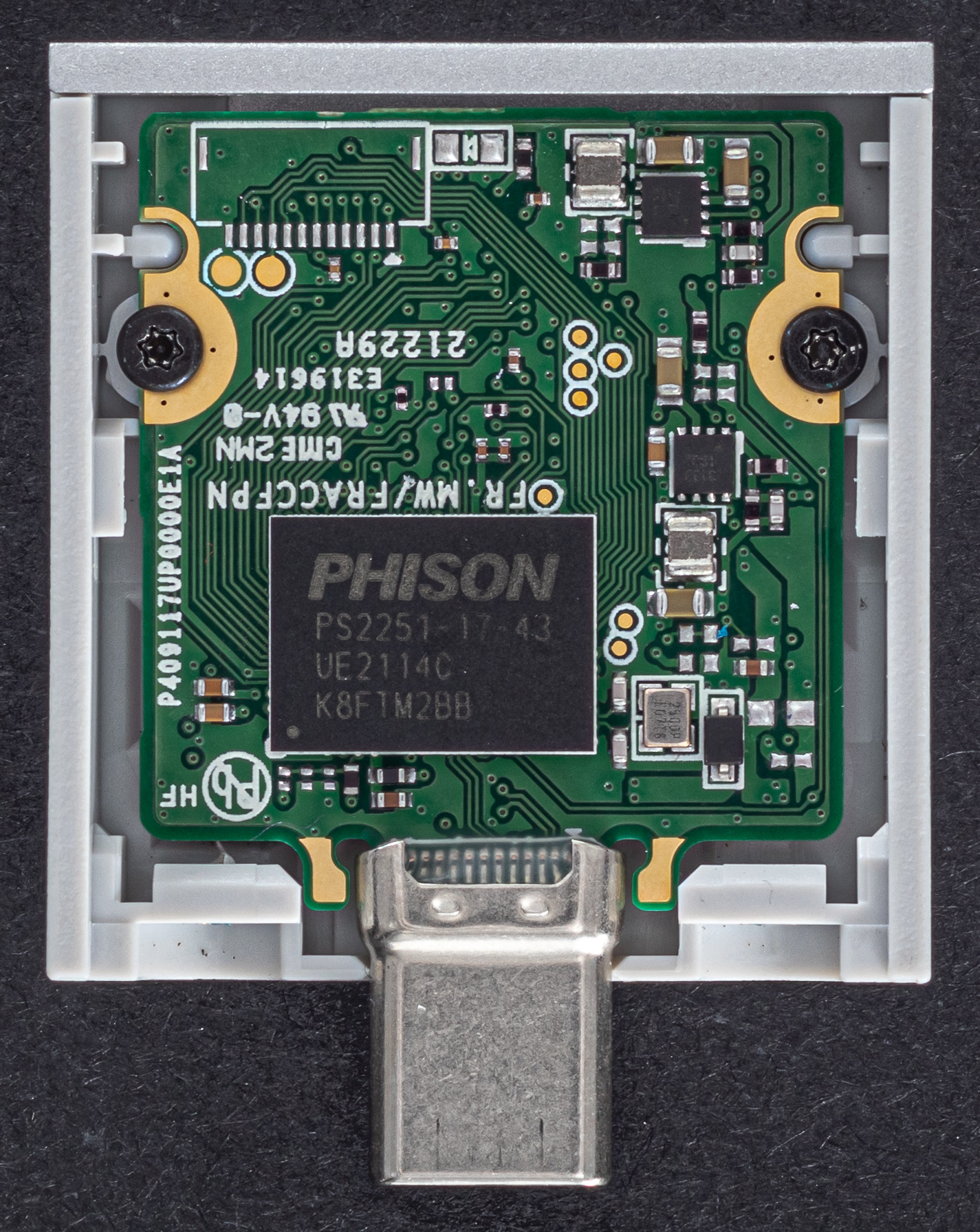
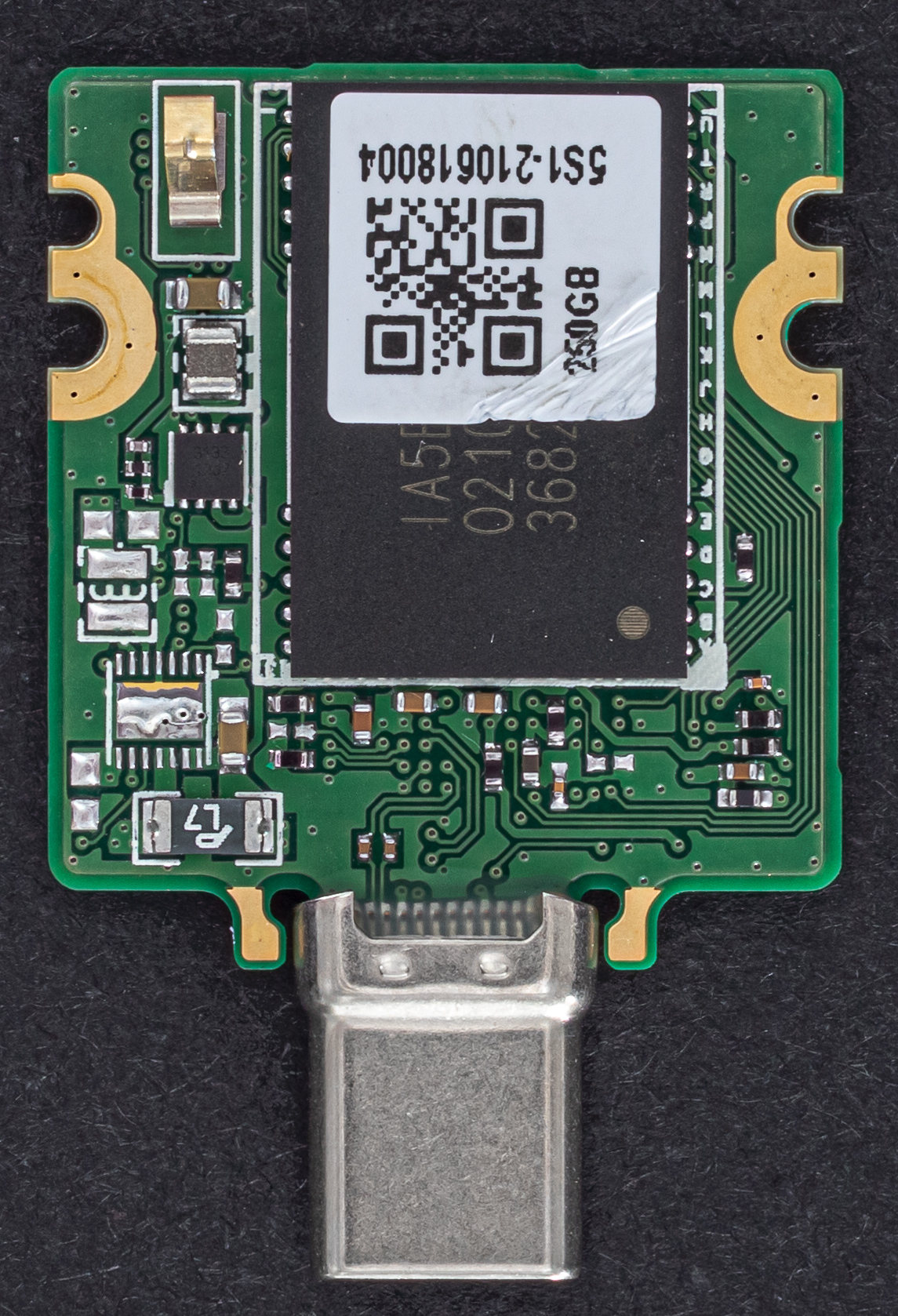
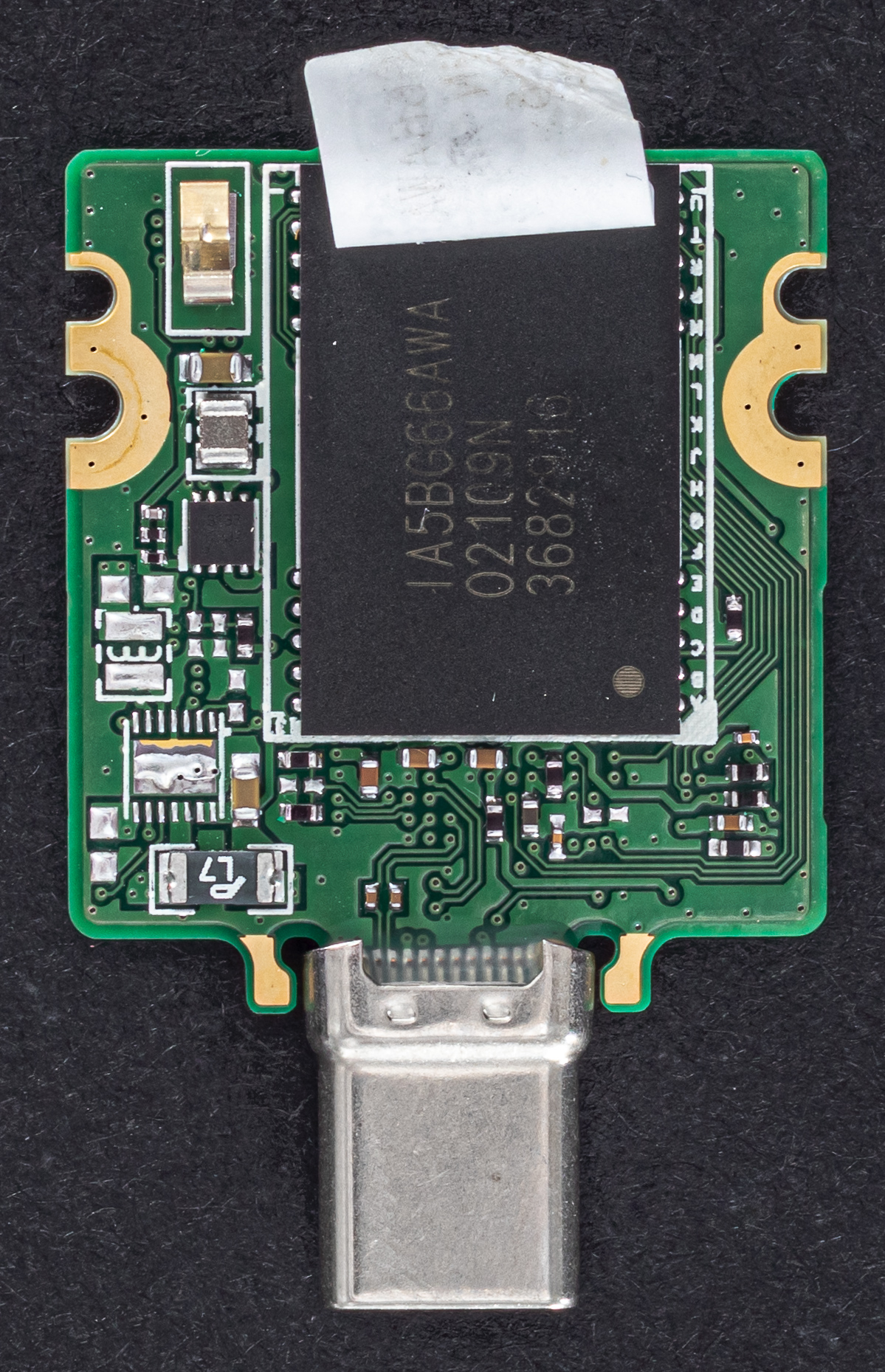
SSD
There are currently two SSD sizes available: 250GB and 1TB. The smaller 250GB size has been tested and is what is pictured below. The Framework Laptop will boot off of these drives and into FreeBSD exactly as expected.
{{laptops/framework_laptop/framework-ssd-0.thumb.jpg 250GB SSD Module}} {{laptops/framework_laptop/framework-ssd-1.thumb.jpg 250GB SSD Module}} {{laptops/framework_laptop/framework-ssd-2.thumb.jpg 250GB SSD Module}} {{laptops/framework_laptop/framework-ssd-3.thumb.jpg 250GB SSD Module}}