This is an old revision of the document!
LXQt on FreeBSD
LXQt is the Qt port of LXDE, the Lightweight Desktop Environment. It is the product of the merge between the LXDE-Qt and the Razor-qt projects.
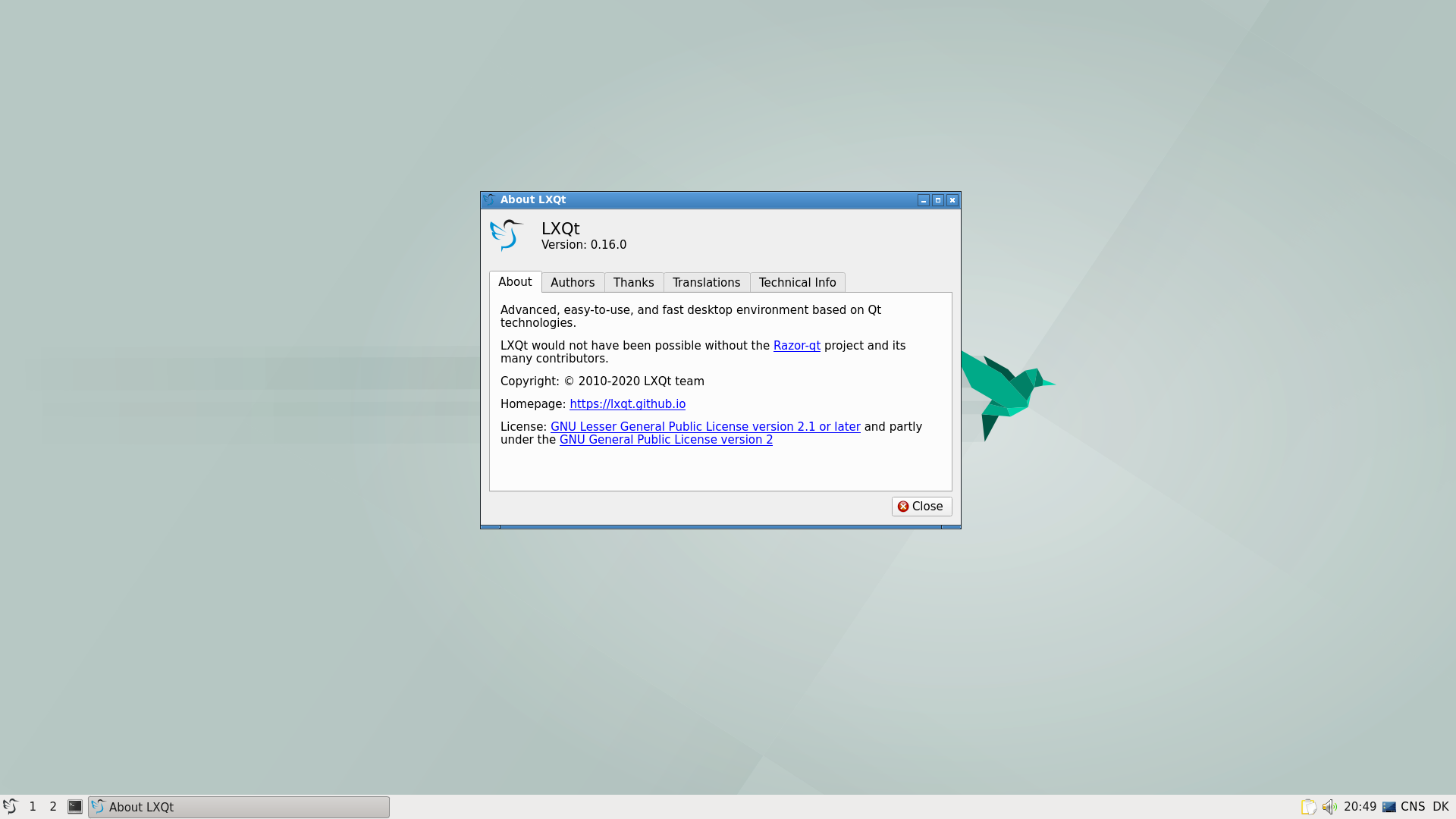
As of 2020-11-18 the 0.16.0 has been ported but is not yet in the ports tree.
Install the LXQt (0.15.0) desktop
% pkg install lxqt
Install the LXQt (0.16.0) desktop
See https://github.com/jsm222/lxqt-freebsd/tree/0.16.0 for details
List of ports from
- audio/pavucontrol-qt
- deskutils/lxqt-notificationd
- devel/liblxqt
- devel/libqtxdg
- devel/lxqt-build-tools
- editors/featherpad
- graphics/lximage-qt
- security/lxqt-openssh-askpass
- security/lxqt-sudo
- sysutils/libsysstat
- sysutils/lxqt-admin
- sysutils/lxqt-config
- sysutils/lxqt-policykit
- sysutils/lxqt-qtplugin
- x11-fm/pcmanfm-qt
- x11-themes/lxqt-themes
- x11-toolkits/qtermwidget
- x11-wm/lxqt
- x11-wm/lxqt-panel
- x11-wm/lxqt-session
- x11-wm/obconf-qt
- x11/compton-conf
- x11/libfm-qt
- x11/lxqt-about
- x11/lxqt-globalkeys
- x11/lxqt-runner
- x11/qterminal
Known issues (and fixes)
It's advised to use UTF-8 as character encoding, especially for Western Europeans users (some translation are not well displayed in settings widgets).
Tips
PCManFM-qt is able to use UDisks2 service (for removable storages), install sysutils/bsdisks.
Starting the desktop
Using .xinitrc
% echo 'ck-launch-session /usr/local/bin/startlxqt' > ~/.xinitrc
Do not use ck-launch-session if you are using slim, slim uses consolekit on its own.
- Jesper Schmitz Mouridsen (GitHub profile: jsm222) jsm@
- olivierd